
Lantern Light & Fireworks: A Lunar New Year AI Prompt Guide for Creators

![]() Create Cinematic Lunar New Year AI Visuals That Actually Glow
Create Cinematic Lunar New Year AI Visuals That Actually Glow
A simple, creator-friendly prompt guide for making Valentine visuals you can reuse across social platforms
This guide shows you how to create scroll-stopping Lunar New Year visuals - glowing red lanterns, golden fireworks, drifting smoke, rich contrast - using simple, reusable prompts inside NightCafe.
It’s designed for content creators, artists and hobbyists who want visuals they can actually use across social media, without needing complex prompting skills.
By the end of this guide, you’ll have one foundation prompt you can tweak into dozens of Lunar New Year variations.
What you’ll create
A cinematic night scene featuring glowing red lanterns, golden fireworks lighting the sky and rich red and gold colour palette details.
This style works beautifully for:
-
Social posts
-
Brand visuals (emails, website banners, social content, blog posts and more)
-
Event banners
-
Creator portfolio pieces
- Daily challenge entries
Base Prompt (Foundation)
To try this yourself, head straight to the Studio page on NightCafe > then copy the prompt below straight into the Text Prompt field.
"Cinematic Lunar New Year night scene filled with glowing red lanterns hanging overhead, golden fireworks illuminating the sky, rich red and gold colour palette, drifting smoke and floating sparks, dramatic contrast lighting, elegant negative space for typography, ultra-detailed, high contrast, luxury editorial style."
For this exercise, I used Seedream 4.0 for its lighting depth and colour richness. Nano Banana Pro and HiDream I1 are also excellent options depending on the finish you want.
Small Text Changes → Big Visual Differences
Below are minor wording swaps that dramatically change the result while keeping the same concept.
🎆 Change the Firework Intensity

-
“golden fireworks illuminating the sky” → “subtle distant fireworks glowing softly in the background"
🏮 Change the Lantern Mood
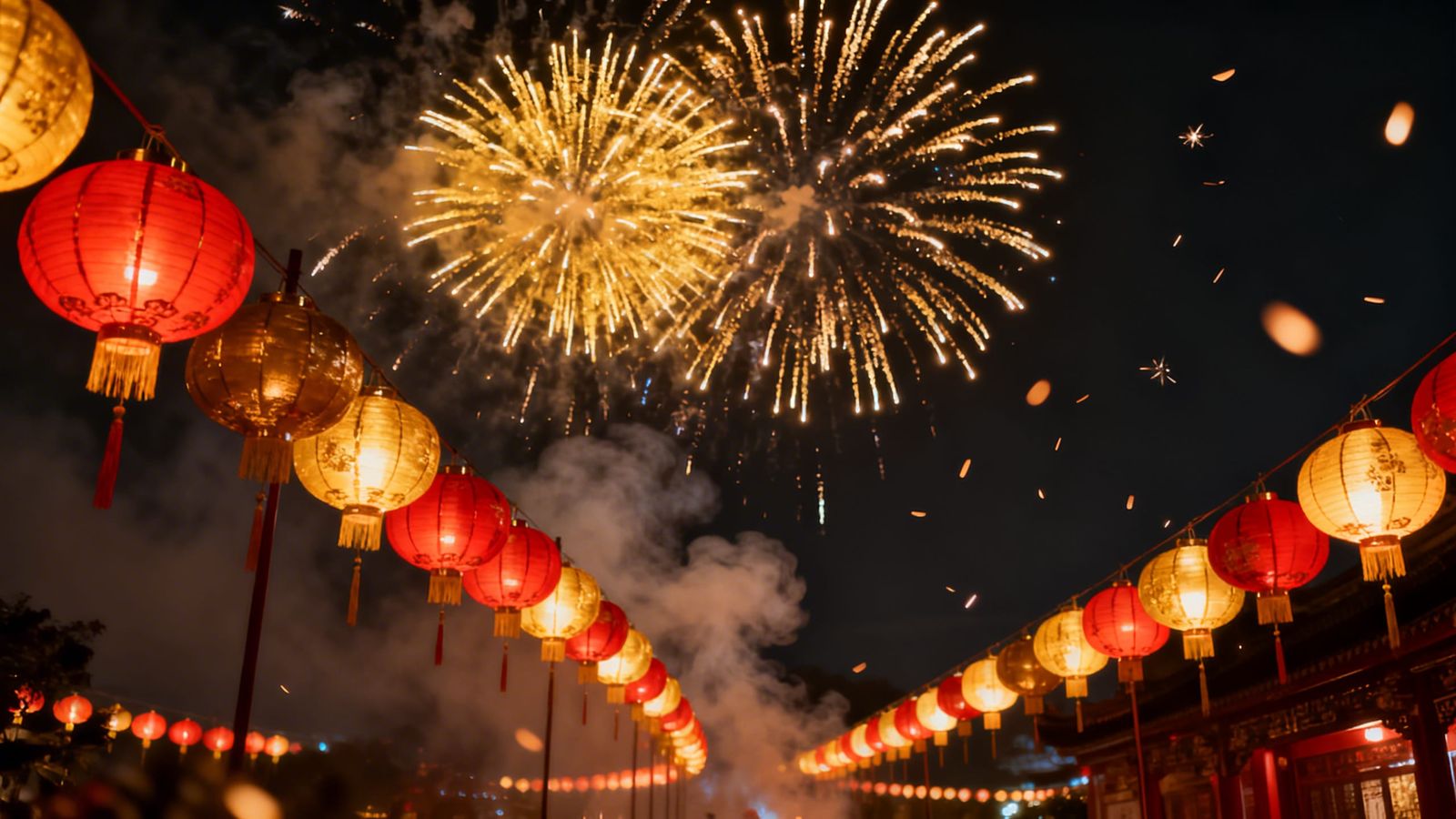
- “glowing red lanterns hanging overhead” → “rows of softly lit lanterns casting warm ambient light”
- Result: From dramatic night scene → to intimate street festival
🌫 Change the Atmosphere
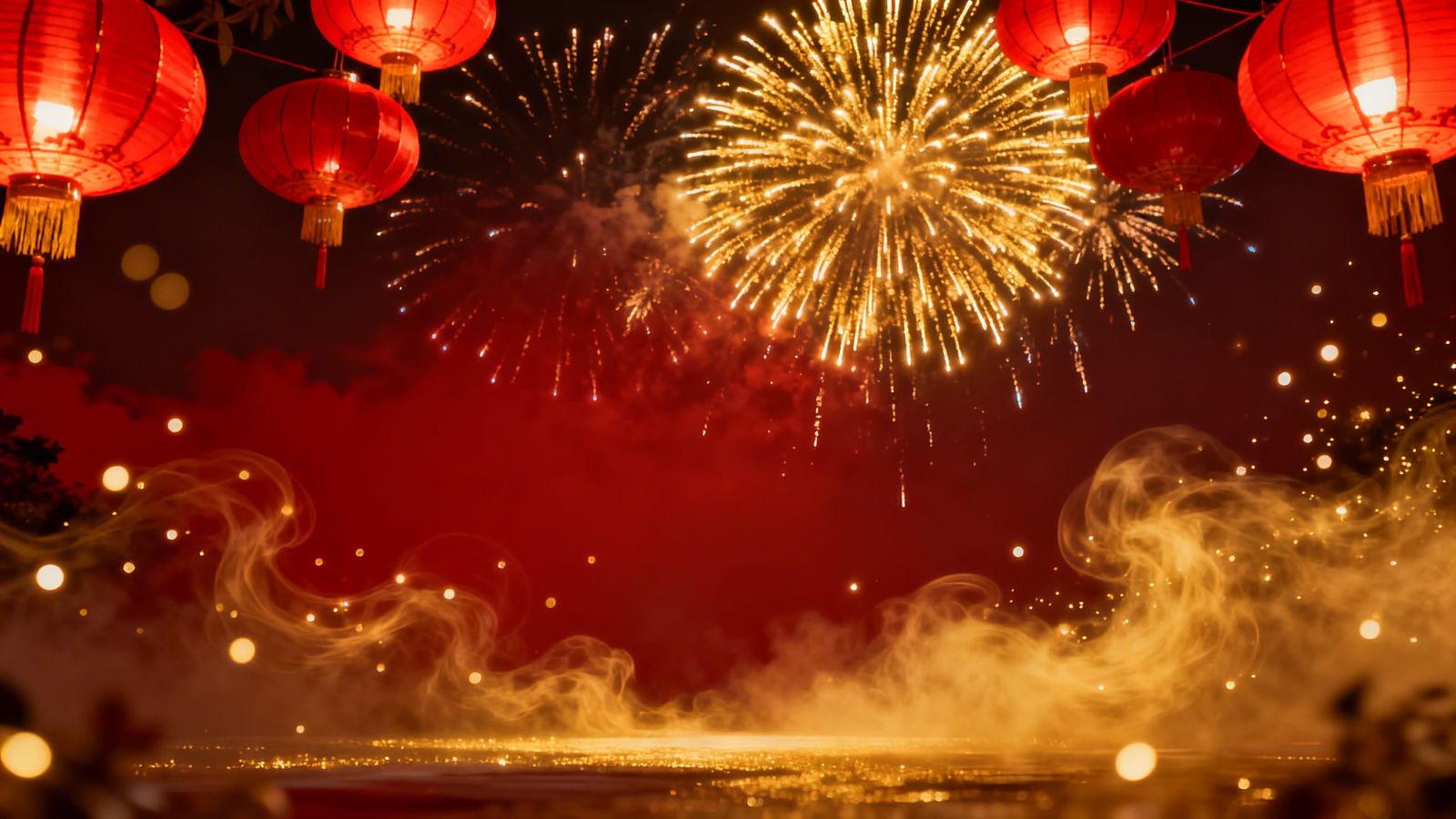
-
“drifting smoke and floating sparks” → “light mist with gentle golden particles”
🎨 Change the Colour Tone
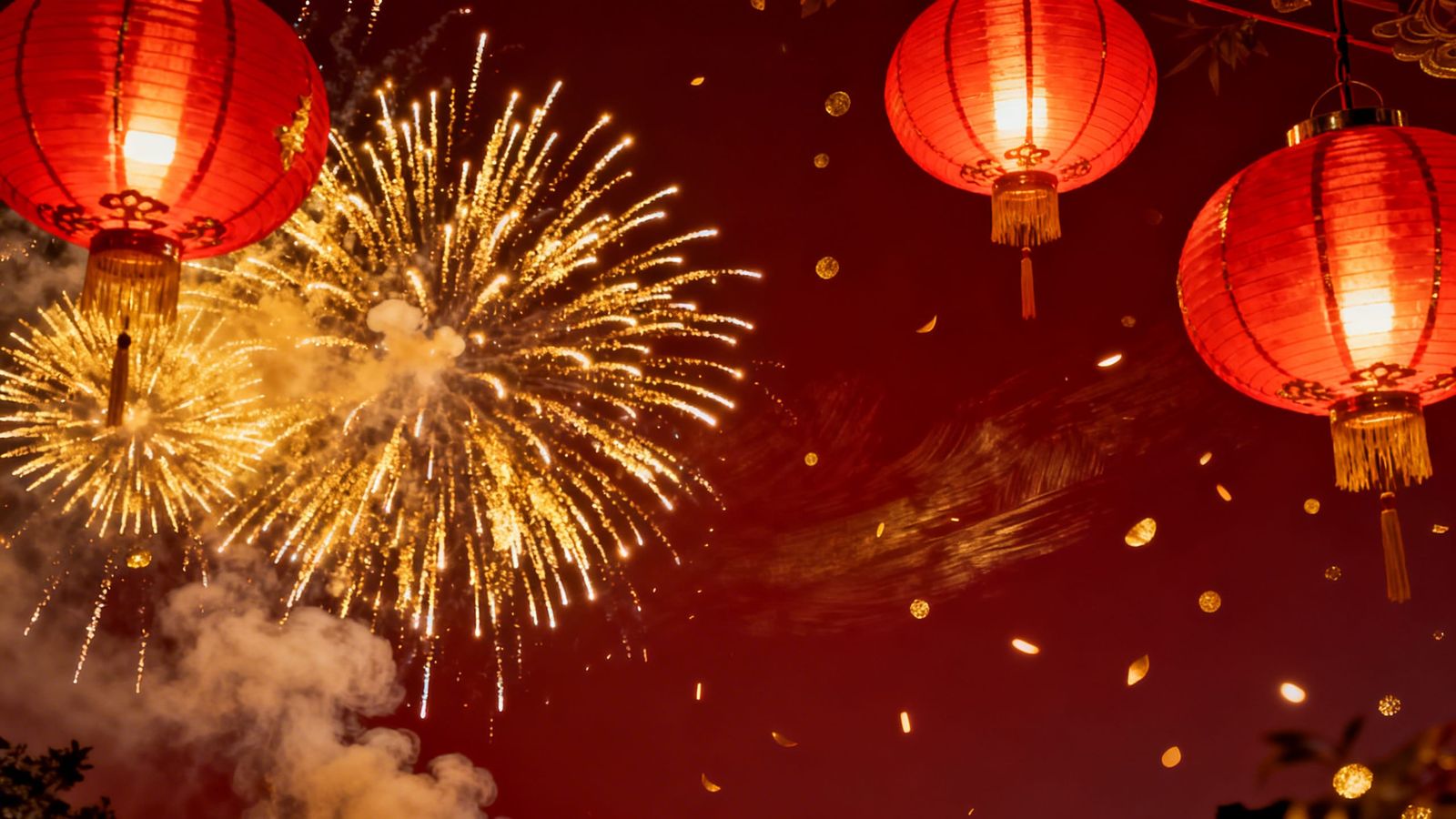
-
“rich red and gold colour palette” → “deep crimson tones with brushed metallic gold highlights”
Easy Evolve Ideas
One of the most powerful things about AI prompting is how small wording changes can dramatically shift results.
Try swapping:
-
“glowing red lanterns hanging overhead” → lanterns floating into the night sky
-
“golden fireworks illuminating the sky” → distant fireworks glowing softly
-
“dramatic contrast lighting” → soft lantern glow
-
“rich red and gold colour palette” → deep crimson with brushed metallic gold
Change one phrase at a time, generate again, and compare results. This is how creators refine a visual without overcomplicating the prompt.
Comparing Different Models
🟣 Nano Banana Pro (Pro Model)
Best for: refined lighting and polished social-ready visuals
Use when: you want clean, campaign-style imagery

🔵 HiDream I1 Fast (Non-Pro Model)
Best for: quick iterations, concept testing
Use when: you want to explore variations quickly

Final Tip
Light is the hero here.
If your scene feels flat, adjust:
-
“dramatic contrast lighting"
-
“soft diffused glow”
-
“cinematic spotlight effect”
Lighting changes everything more than adding extra objects.
Have Fun
Keep an eye out for our Lunar New Year themed Daily Challenges coming up this week to put your new skills to the test.